
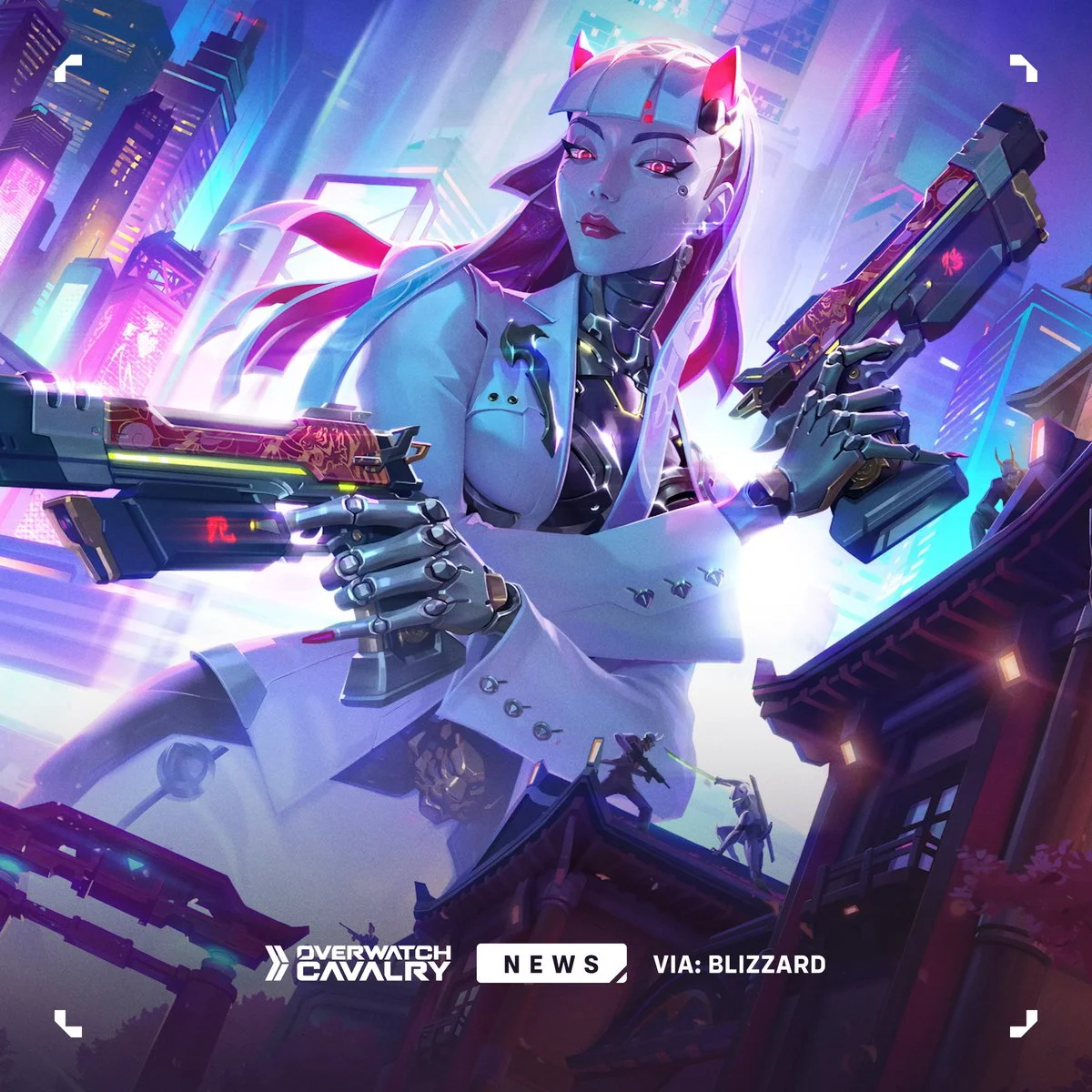

Overwatch 2
Configure targeting, smoothing and reaction timing alongside player overlays. Each group has its own controls in Zenith.
About Overwatch 2
Overwatch 2 software for your Zenith account. Apply through Discord to request access. After approval, follow the team's purchase and setup instructions. Confirm compatibility before purchasing.
In-game previews
Previews coming soon
Ask the team for current Overwatch 2 screenshots.
Features
Aimbot
- Custom aim key and visible-only targeting
- Adjustable FOV and hitbox scanning
- Head, neck, chest or nearest-bone selection
- Smoothing, maximum distance and deadzone
Humanizer
- Yaw / pitch smoothing and reaction time
- Target-switch delay and aim curvature
- Overflick strength, probability and micro-jitter
Player ESP
- Boxes, names and health
- Skeletons and distance
- Adjustable render distance
Previews and features may change with updates. Confirm current availability before buying.
Your subscription includes
- Overwatch 2 subscription access
- Personal loader build
- Subscription management in your account
- Discord support
Before you buy
Requirements
Discord membership and account approval are required. Confirm supported system versions and hardware with support before purchasing.
Check your setupPurchase conditions
Review the terms and refund policy before paying.
Authorized use only. Third-party software may result in account sanctions; no detection or ban guarantees are made.
Common questions
How do I get access to Overwatch 2?
Apply on Discord and follow the verification and application instructions. Access requires approval and server membership. Confirm your eligibility and total before purchasing Overwatch 2.
What does the subscription cost?
The listed subscription is €60 for 30 days. Prices are in EUR. Confirm the final total and payment options before purchasing.
How do I get my build?
After approval and purchase, follow the team's setup instructions. If access is missing, contact support in your private Discord ticket with your purchase details.
How do I check compatibility?
Read the requirements above before purchasing Overwatch 2. If your setup is not covered, confirm it with support first. Screenshots show the showcased build, not a compatibility guarantee for your setup.
Which features are included?
The showcased feature groups are Aimbot, Humanizer, Player ESP. Read the full list above and confirm current availability with support.
Where can I get help after purchasing?
Contact the team through Zenith Discord and open a private support ticket. Include your product and the issue you are seeing. Do not post your personal loader or account details in a public channel.
More games
All products


Ready to get started?
Apply through Discord. Access is subject to approval.